
Why it's not optional
Almost every account compromise starts with a reused or phished password. A second factor stops the vast majority of those even when the password is known. It's enforced at the single sign-on, so setting it up once covers email, MyPorter, the learning environment, and everything else.
Set up a backup now
The one real hassle is losing your phone with only one method registered. Add a second — a tablet, a set of printed one-time codes kept somewhere safe, or a security key — before that happens. The Help Desk can verify identity and reset MFA in person if you're locked out.
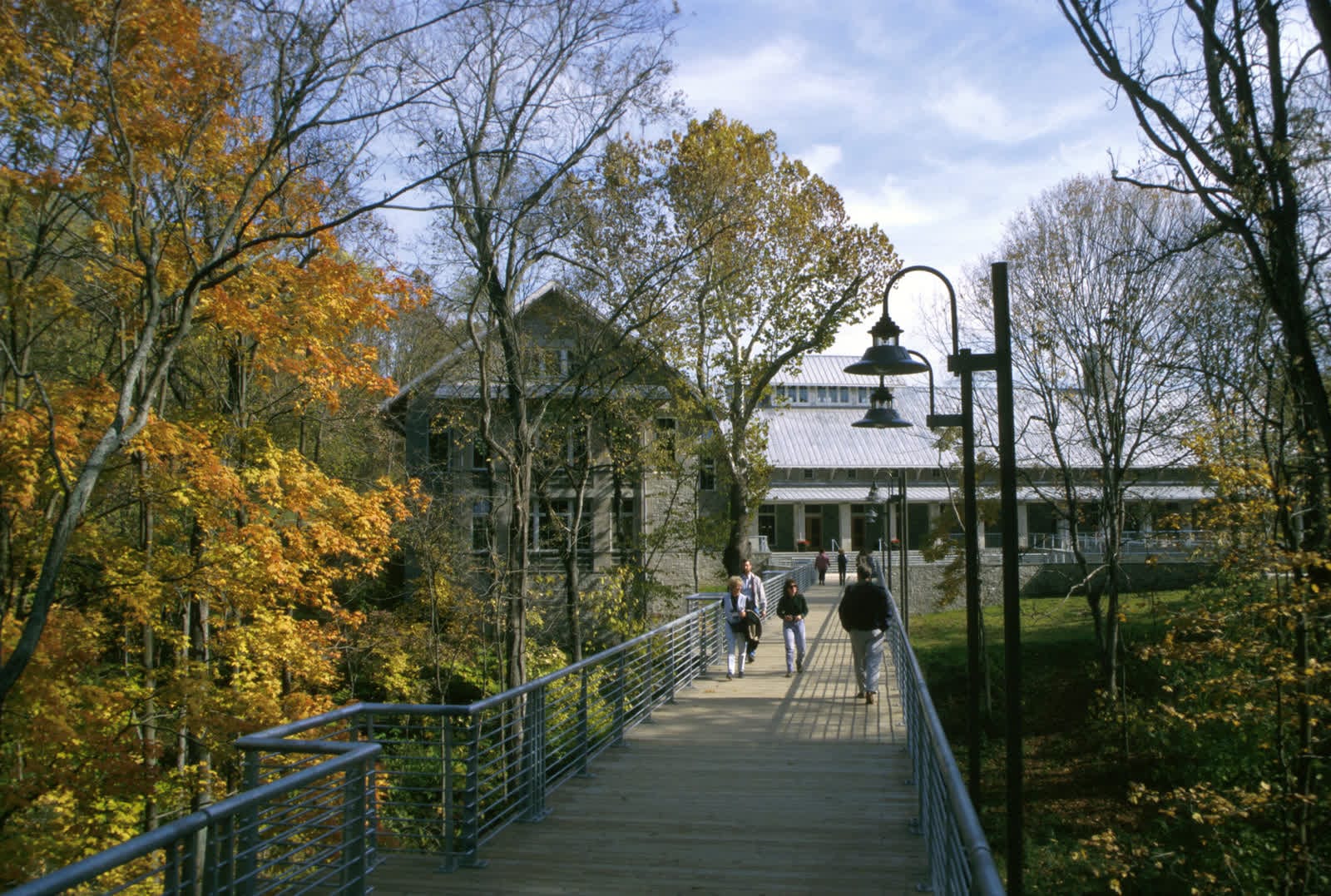
In and around Porter Falls
The Technology Help Desk is on the first floor of the Jarvis Technology Center. One student identity signs into MyPorter, the learning environment, campus Wi-Fi, printing and the library.
The practical details
Required for: All students, staff and faculty, on every service behind the single sign-on. Primary method: An authenticator app push or code. Backups: A second device, printed one-time codes, and a hardware security key are all supported. Anything time-sensitive — an accommodation, a booking, a deadline — is worth confirming directly before you rely on it, because the specifics here can change from term to term.
If you have a question
The office behind this is Technology Help Desk (Jarvis Technology Center, Room 105). Call (715) 555–0120 or email helpdesk@uwporterfalls.edu during the fall and spring terms, or sign in to MyPorter to send a message or book a time. If it turns out another office owns the question, they will route it rather than send you back to the start.
Fictional information
UW–Porter Falls is a work of parody. Every office, person, building, phone number and statistic on this page is invented; nothing here describes a real institution or a service you can actually contact.