
Why it matters
Almost every account takeover starts with a password reused from a site that got breached. A manager generates and remembers a different strong password for every service, so one breach stays contained. It also spots reused and weak passwords you already have.
Getting started
Install the app and browser extension, import passwords from your browser, and let it flag the weak and duplicated ones to fix over a week. Store your MFA backup codes and a copy of your recovery key somewhere offline too.
In and around Porter Falls
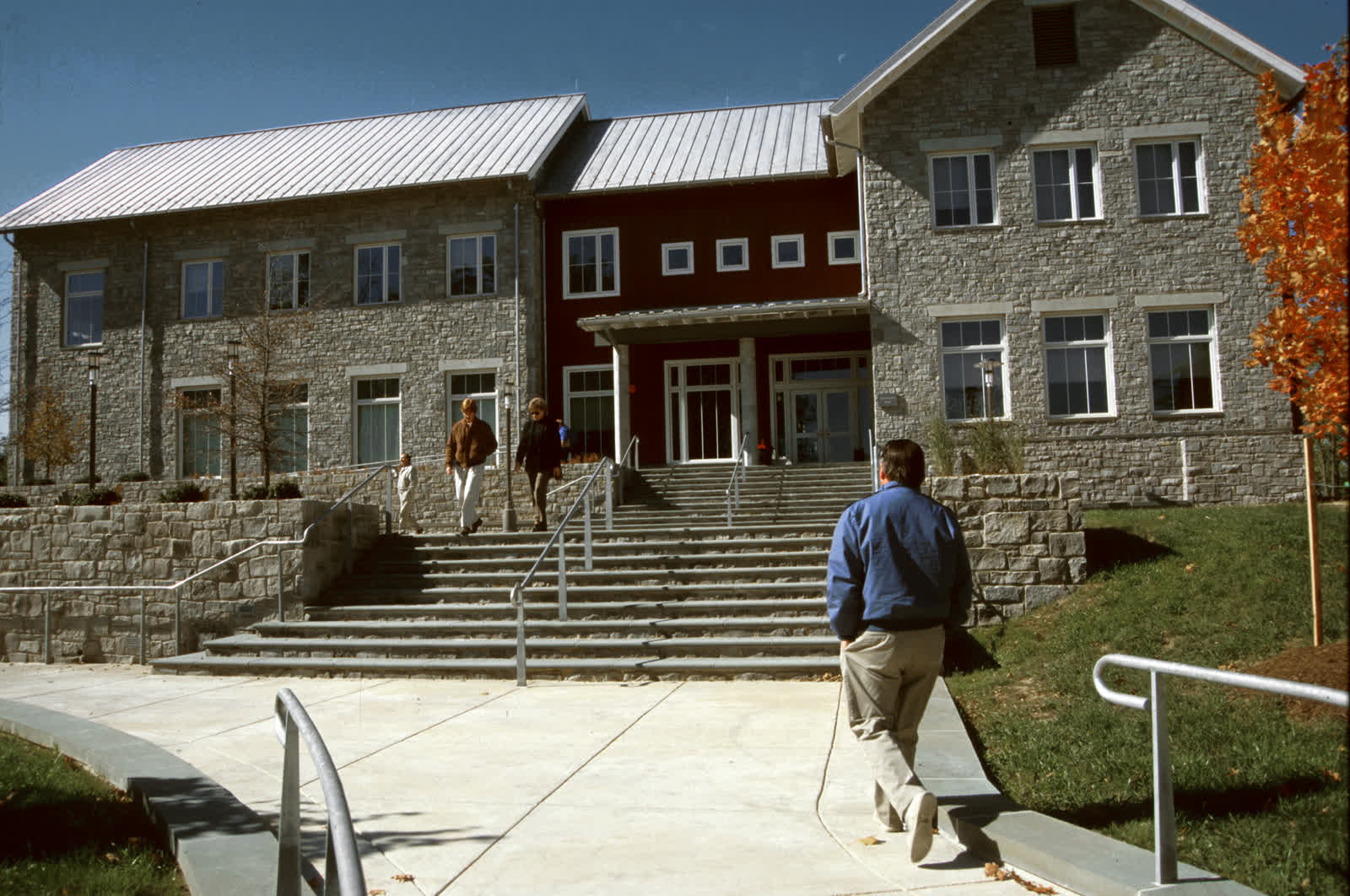
The Technology Help Desk is on the first floor of the Jarvis Technology Center. One student identity signs into MyPorter, the learning environment, campus Wi-Fi, printing and the library.
The practical details
Claim it: A free premium family plan through the software portal; keep the vault after graduation on a personal tier. Use it for: Unique passwords everywhere, secure notes, and sharing a login with a project group without texting it. Pairs with: Multi-factor authentication — the manager stores the recovery codes so a lost phone isn't a lockout. Anything time-sensitive — an accommodation, a booking, a deadline — is worth confirming directly before you rely on it, because the specifics here can change from term to term.
If you have a question
The office behind this is Technology Help Desk (Jarvis Technology Center, Room 105). Call (715) 555–0120 or email helpdesk@uwporterfalls.edu during the fall and spring terms, or sign in to MyPorter to send a message or book a time. If it turns out another office owns the question, they will route it rather than send you back to the start.
Fictional information
UW–Porter Falls is a work of parody. Every office, person, building, phone number and statistic on this page is invented; nothing here describes a real institution or a service you can actually contact.