
Open labs
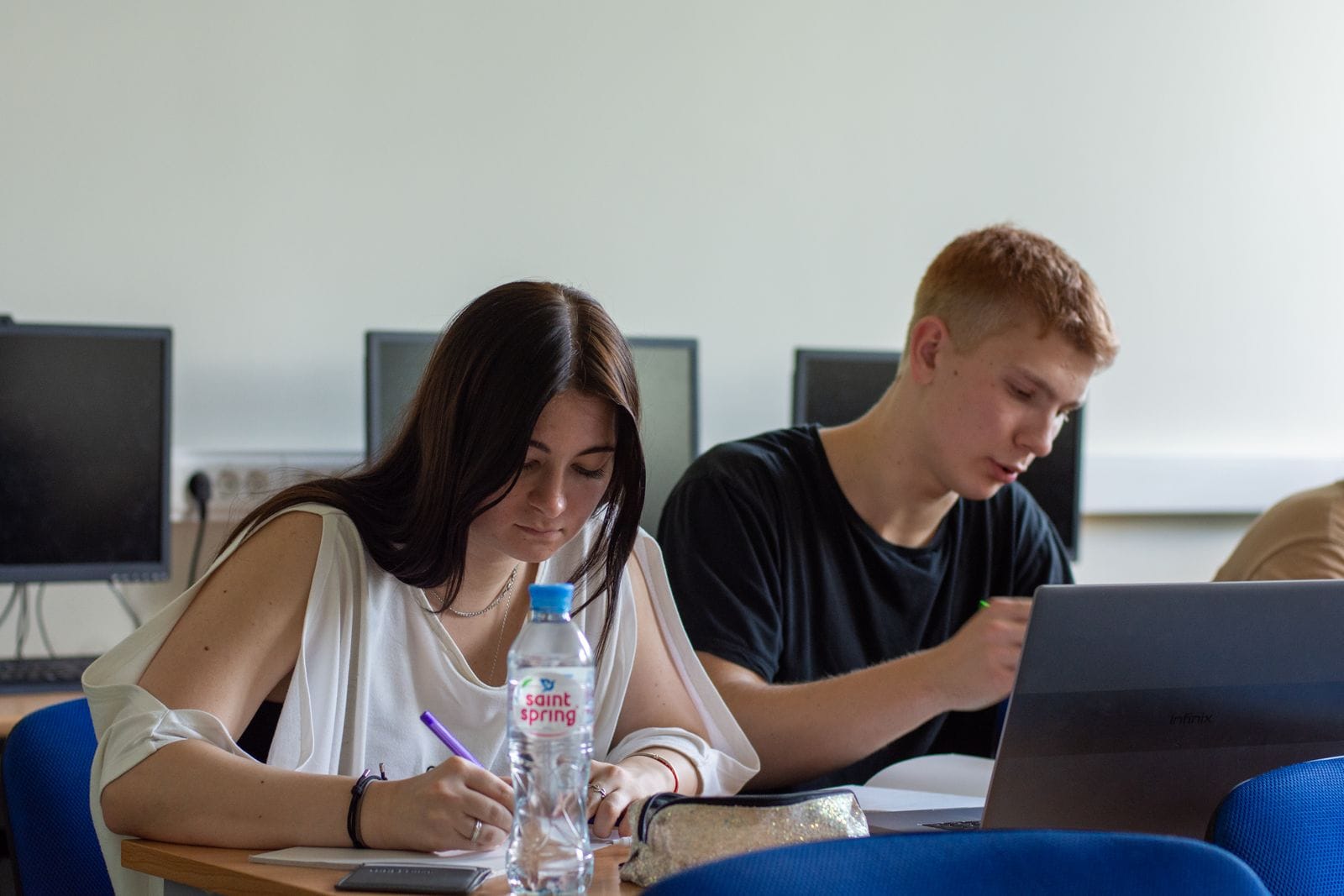
General-purpose computer labs with Windows and Mac workstations, dual monitors, scanners, and standard software (Office, browsers, statistics basics, Adobe Reader) are in Halvorsen Library, Founders Union, and each college building. The library labs keep the longest hours and go to 24-hour access during finals; a live map on the IT site shows which machines are free right now. Every lab has black-and-white and color printing tied to your semester print allocation, and a self-service scanner that emails you the PDF for free.
Bring headphones, save to your Porter cloud drive rather than the desktop (lab machines wipe on logout), and check the posted quiet-hours sign — some labs allow group work, some do not.
Specialized labs
Program labs run the software and hardware a course actually needs and are scheduled around classes: CAD and simulation (SolidWorks, ANSYS, MATLAB) in the engineering building; the cybersecurity range on an isolated network; GIS and remote-sensing workstations; a statistics lab with SAS, SPSS, R, and Stata; design and animation suites with the full Adobe and Autodesk creative tools and color-calibrated displays; video-editing bays; a usability lab with eye-tracking; and health-information-systems workstations with clinical software. Access is usually by enrollment in the relevant course, with open hours posted when a class is not meeting; some require a short safety or equipment orientation first.
Running the expensive stuff from your own device
You do not have to come to a lab for most licensed software. The virtual computer lab streams a full lab desktop — CAD, statistics packages, the Adobe suite — to your own laptop, tablet, or Chromebook through a browser, from anywhere, including over a mediocre connection since the heavy computation runs on Porter's servers. Some titles are also available as a direct download for personally owned machines while you are enrolled. Licensing and how many people can use a title at once vary, so a few things stay lab-only.
For coursework that needs real GPU or cluster time, the research computing group provides access on request through a faculty sponsor.
What students get for free
Microsoft 365 (desktop apps plus a terabyte of cloud storage) and, in many programs, the Adobe Creative Cloud and Autodesk education licenses at no cost while enrolled; antivirus; a VPN for reaching campus resources off-site; unlimited cloud backup of your Porter drive; and discounted hardware through the campus store's education pricing. The tech help desk (walk-up in the library, plus phone and chat) will help you install and license all of it, and troubleshoot your personal laptop, not just university machines.
Questions?
See the full staff & office directory for any phone number or email. Because this is a fictional parody site, addresses and phone numbers are illustrative and do not reach a real university.