
Campus Technology
Technology Help Desk
One phone number, one email address, and a self-service knowledge base for password resets, Wi-Fi, VPN, and classroom technology.
How to get help
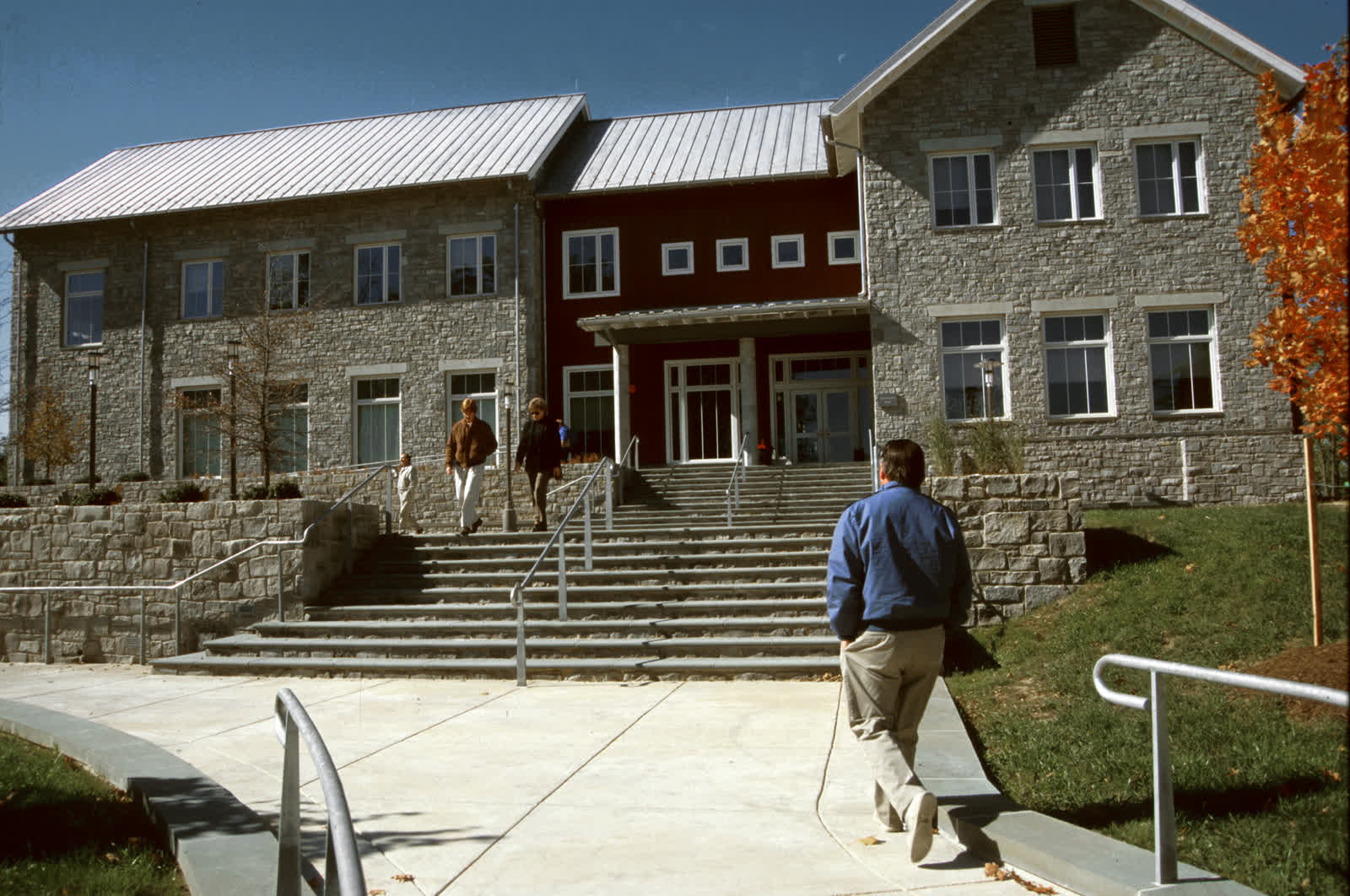
Submit a ticket at help@uwporterfalls.edu, call (715) 555–0146, or walk in to the help desk counter on Level 1 of Halvorsen Library. A ticket gets a same-business-day response during the semester; a phone call or walk-in gets faster help for anything urgent, like a locked account the night before a paper is due.
Hours
| Monday–Thursday | 7:30 a.m.–9 p.m. |
| Friday | 7:30 a.m.–5 p.m. |
| Saturday–Sunday | Noon–6 p.m. (phone and email only) |
Hours shorten between semesters and during break weeks; the current schedule is always posted at the top of the knowledge base.
What it resolves most often
Password and multi-factor authentication resets, campus Wi-Fi and VPN connection problems, classroom podium and projector issues (reported directly by faculty mid-class through a dedicated line), printing and PorterPrint balance questions, and access requests for shared drives and course software. Anything involving a compromised or phished account gets escalated the same day to the information security team, not just reset and closed.
Self-service first
The knowledge base search covers the same troubleshooting steps a help desk technician would walk through on the phone — account resets, Wi-Fi profile setup, and VPN client installation all have step-by-step articles. Poly, the chatbot in the corner of this and every page, searches that same knowledge base along with the rest of the site, so asking it directly is often faster than opening a ticket for a common issue.